
Greetings, California friends! If you found yourself today sitting in front of Google, asking: “how do I replace my lost plate or sticker,” then this article was tailor-made for you. Today, we’re going to walk you through the easy process of how to replace your California plate or sticker online. In this guide, we’ll show you just how simple and easy it is to skip the DMV and get it done with eTags in 9 easy steps. Let’s go!
Use eTags© to Quickly Complete Your DMV Service. Renewals, Title Transfers and More, All Online!
How To Replace Your California Sticker or Plate Online
1. Head on over to eTags.com and select California as your state of residence from our pop-up menu.
2. Choose Replace Lost Plate or Sticker and click Continue
3. Enter your license plate number and the last three digits of your VIN (vehicle identification number). This can be found on your title as well as on the driver’s side windshield and occasionally on the outer lower part of the driver’s seat.
4. Confirm your vehicle information. You will see the vehicle type, make, and year. If it’s correct, click Yes This is Correct. Otherwise, you can go back and fix any errors you might have made.
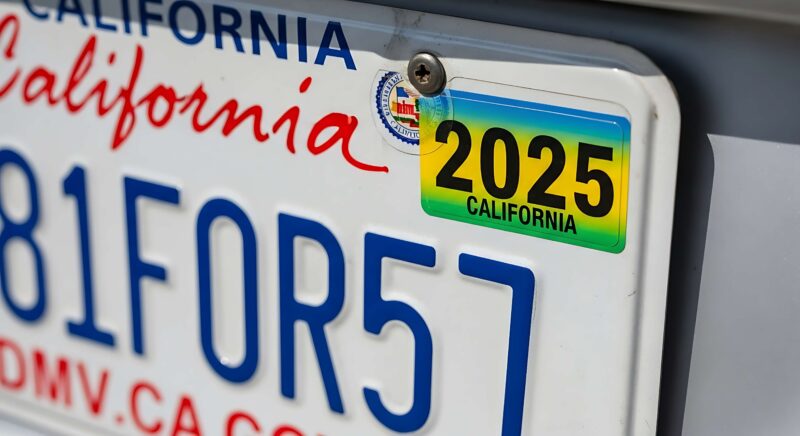
5. Provide the registered owner’s first and last name. If the owner is a business, click Company and fill on the company’s full business name.
6. Supply your contact information. You will need both an email address and a mobile phone number. Here, you will have the chance to opt in to receive order updates and text message reminders. If you’d rather not get this communication, be sure to unclick the blue box below before hitting Next.
7. Enter your shipping address. You will have the choice here to add overnight shipping for an additional fee. If you’re not in a rush, your sticker and/or plate will be sent via standard USPS, which generally takes about 5-7 business days to arrive at its destination.
8. This is your summary page. This is your time to review the details of your order including:
- Name
- Address
- Contact information
- Vehicle make, model, and year
- License plate number
If something does not look right, click the Edit button to make corrections. You will see two different Edit buttons – one for contact information, and the other for your order details.

You also have the chance here to add another vehicle to the order. Please note, however, that you may only add on the Same Service. Meaning, another replacement sticker or plate for a different vehicle. For all other services, please place a new order once you have completed this one.
Take a moment to look over the breakdown of your fees, and when you’re ready, click the green Checkout button.
9. On your Checkout page, you can read through our Terms and Conditions, select the form of payment you prefer, enter the details, and click Pay to finalize your order.
That’s it: you’ve officially ordered a replacement sticker/plate in the state of California!
Of course, if at any point you need a hand with this process, don’t hesitate to reach out to us. We’ve got a stellar team of title and tag experts ready to assist. Because as always, at eTags, we’re here to help!