
If you’re a vehicle owner in Connecticut, your registration will need to be renewed on a bi-yearly basis. But this task does not have to be a daunting one: eTags makes it easy to renew your registration online in a few easy steps. In this article, we’ll review some important key points about Connecticut registration renewal as well as walk you through the process of how to get this done quickly online.
Use eTags© to Quickly Complete Your DMV Service. Renewals, Title Transfers and More, All Online!
Connecticut Registration Renewal Points
- Most passenger cars require registration renewal every two years
- Renewals are due by midnight on the expiration date state on your registration card
- There is no grace period for late renewals; the DMV will charge late fees for delays
- Law enforcement can issue tickets for driving with expired registration
How to Renew Connecticut Vehicle Registration Online with eTags
Step 1. Visit eTags’ dedicated Connecticut vehicle registration renewal page and click Get Started Here.
Step 2. Select your service – click Renew Registration and then click Next.
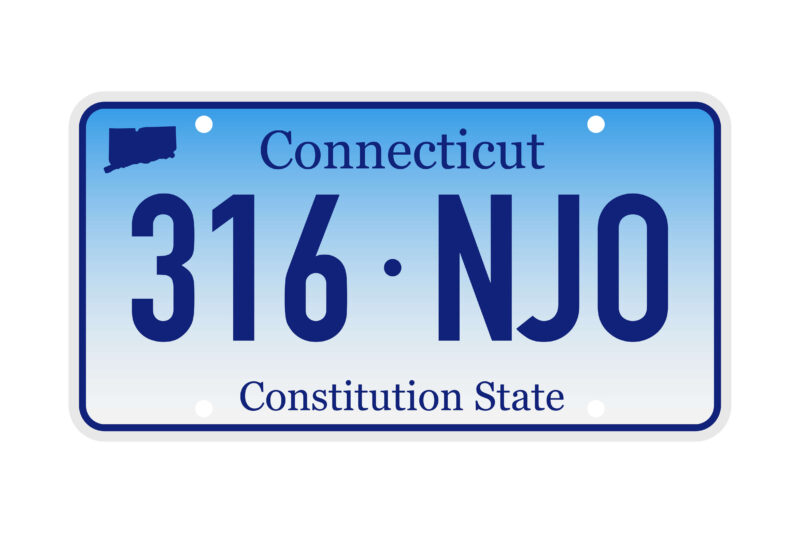
Step 3. Enter your vehicle information. Provide both the license plate number and the last six digits of the VIN (vehicle identification number). To find your VIN, check your current registration card, your certificate of title, or the driver’s side dashboard. Then click Next.
Step 4. Confirm the year, make, and model of your vehicle. If the details on the screen are not correct, click the blue Back link to return to the previous page and make any necessary corrections. Otherwise, go ahead and click Next.
Step 5. Provide your contact information. You will need to fill in both a working email address and mobile phone number. Please note that when choosing Connecticut renewal services, you will automatically receive helpful updates regarding your order. Once this information has been completed, click Next.
Step 6. Enter the vehicle owner’s legal name. For an individual, fill in the first and last name as listed on official government documents. For joint ownership, click Add a Co-Owner and fill in the second person’s legal name. If the owner is a business, click Company and fill in the full company name as listed on official documents. Then click Next.
Step 7. Supply your Connecticut mailing address. This address is required for the corresponding forms and should match your address listed on state documents. Then click Next. You may be asked to confirm this address once it is entered. If so, please look over the details here. If any changes need to be made, click the Back link Otherwise, click Next.

Step 8. On your summary page you have the chance to review all the details of your transaction. You will see your contact information, your vehicle information, and a summary of fees. If anything needs to be corrected, click the Edit link in the corresponding section. If you have a second vehicle that is due for Connecticut registration renewal, you can add it here but clicking Add Another Vehicle. Otherwise, go ahead and click Checkout.
**Please note that you can only add a second vehicle for the same service. For all other services, please complete this transaction and begin a new order.
Step 9. On your checkout page, please take a moment to read our terms and conditions, enter your payment details, and when you are ready, click Pay.
Connecticut Registration Renewal Made Easy with eTags
Connecticut registration renewals don’t have to be a daunting task. With eTags online, the process is simple and straightforward. And if at any time you need assistance with your renewal, please don’t hesitate to reach out to us. Because as always, at eTags, we’re here to help!