
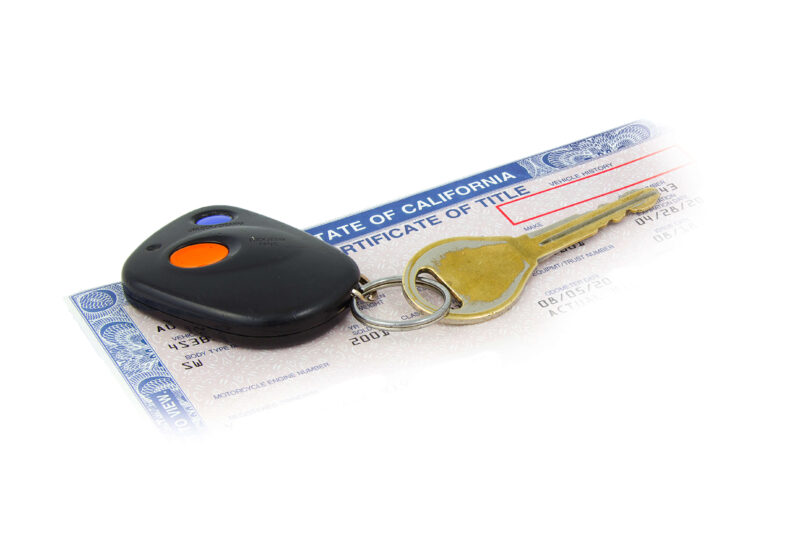
Hello, friends! Today we’re going to talk about what to do if you’ve lost your California certificate of title. Misplacing a title can sometimes lead folks into a panic, and for good reason – without a title, there’s no legal proof of ownership. Not to mention that if you’re thinking of selling your vehicle, it’s near impossible to do so without this all-important legal document.
Use eTags© to Quickly Complete Your DMV Service. Renewals, Title Transfers and More, All Online!
But fret not: eTags makes ordering a duplicate title in the state of California a simple and easy process. So if you can’t find that document, or if you’ve spilled your morning coffee on it, or if you’ve made a mistake while signing it over…we’ve got your back. In this guide, we’ll walk you through how to remedy this conundrum with very little hassle.
How to order a duplicate vehicle title in California online.
- Head over to our homepage and select California as your state of residence
- Click on Replace Lost Title and then Continue
- Verify that your name appears on the California-issued title that’s been lost or damaged. Please note that only the legal owner (with their name listed on the title) can apply for a duplicate document.
- Enter your California license plate number and the last three digits of your Vin or enter your full VIN (vehicle identification number)
- Confirm your vehicle information. Here you will be asked to provide the following details:
- License plate number
- Vehicle type (sedan, SUV, truck, etc)
- Vehicle make
- Vehicle year
- Complete the Registered Owner information. For an individual, this will be first and last name as it appears on the title, while for a business, it will be the full company name as appears on the title
- Select the reason for your replacement. Your options will be:
- Lost
- Stolen
- Never received from the DMV
- Provide your contact information. This includes both email address and phone number
- Fill in your shipping address. If your shipping address is different than the address on file with the DMV, you will be asked to provide this address as well
- Confirm that the address you’ve supplied is indeed correct

- Look over your order summary. Here you will see the information you’ve supplied:
- Phone
- Plate number
- Vehicle
- Address

If everything is correct, go ahead and click Checkout. Otherwise, there is the option here to edit all of the above if necessary.
- On your checkout page you will have the opportunity to choose your form of payment:
- Credit card
- PayPal
- Affirm
Enter your payment details, review our terms and conditions, and click Place Order.
And there you have it, friends, the straightforward process of ordering a replacement vehicle title in California online with eTags. And of course, if at any point you need assistance, please don’t hesitate to reach out to us. We’ve got a team of dedicated title specialists ready to lend a hand. Because as always, at eTags, we’re here to help!