Greetings, Maryland friends. If you’ve got a vehicle already titled in your name – meaning, you’re the legal owner of this vehicle – and you want to get this car/truck/SUV on the road, you will need to get registered. And in this article, we will walk you through how to get your ride registered.
Use eTags© to Quickly Complete Your DMV Service. Renewals, Title Transfers and More, All Online!
How to register your vehicle in the state of Maryland
- Head over to eTags.com. Click on the yellow pop-up menu and select Maryland as your state of residence.
- Under the Services menu, click New Registration and then Continue.
- Specify what type of registration you will need. Your choices will be:
- New plate and registration. This is if the vehicle is already titled in your name in Maryland and you just need new plates.
- Transfer tag. Choose this if you have your Maryland title and you have a set of current plates in your name that you’d like to transfer.
- Transfer title with new registration. Select this choice if you need to both transfer the title to your name as well as obtain new plates. This is also appropriate if you’ve just moved to Maryland and need to update your title and registration to meet local requirements.

- Next, enter your vehicle identification number. (VIN)
- Confirm that the information on this screen coincides with your vehicle’s details. You will see both the year and make of the vehicle. If this is correct, you can move along. If there are errors, click the Back button to make any necessary changes.
- Enter your contact information. You will need both your email address and mobile phone number here.
- Provide the vehicle owner’s first and last name. If the owner is a business, select Company and provide the legal business name. You will also have the option to add a co-owner if applicable.
- Fill in your shipping address. You may be asked to confirm your shipping address details. Please look over the address you entered and be sure that it is indeed right. If everything looks good, hit Next.
- This is your summary page. Here you will see the details of your order, including vehicle, shipping, and contact information. Take a moment to review this to be certain all elements are correct. This is also the place to add another vehicle to your order if you have a second car that needs new registration. Please note that you can only add a second vehicle for the same If you require a different eTags service, you’ll need to place a separate order for that after this is complete. If all the details here are correct, you can click Checkout.
- The final step: your payment page. This is where you can fill in your credit card or PayPal details, look over our terms and conditions, and click Pay.
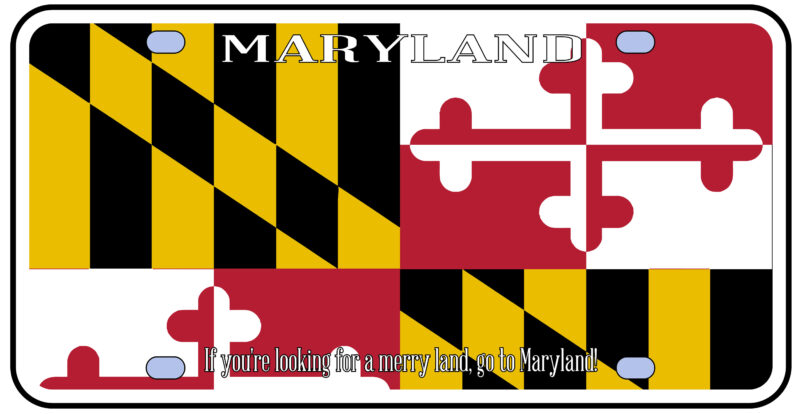

Registering your vehicle in the state of Maryland with eTags.com is easy. and when it comes time for renewal, we’ll be there for you then too. And of course, for any questions or assistance, feel free to reach out to us at any time. Because as always, at eTags, we’re here to help!