
Good morning, California! Welcome back to another day here at the eTags blog. Today we’re going to address an important question for our Left-coasters.
Use eTags© to Quickly Complete Your DMV Service. Renewals, Title Transfers and More, All Online!
Ready? Here goes:
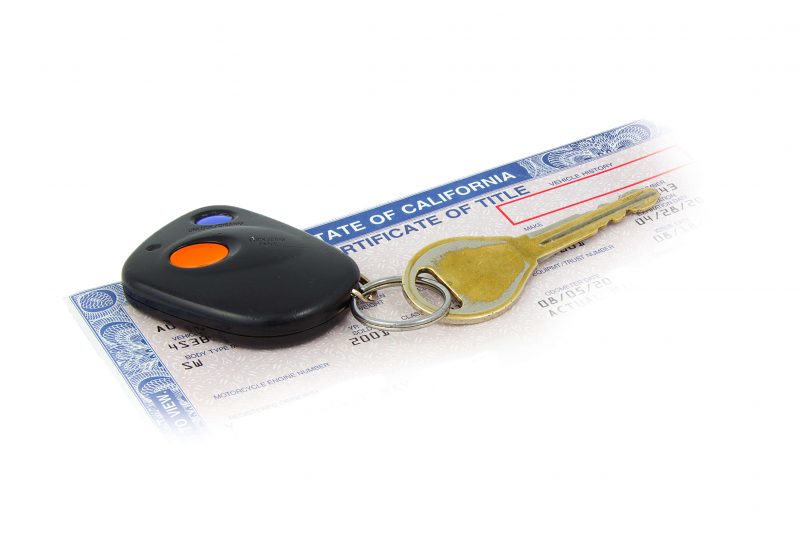
Can I transfer my California vehicle title online with eTags?
Of course we’re happy to answer: Yes! You can absolutely transfer your California vehicle title online at eTags.com.
If you’ve recently bought a car, truck, SUV, RV, or motorcycle, we can help you with the transfer of ownership. We are also here to lend a hand with title transfers when they are the result of a gift, donation, or inheritance. Whatever the case may be, we’re here for all your title transfer needs in the Golden State.

Which leads us to the next question:
How do I transfer my vehicle title online with eTags?
Easily, that’s how. And here will give you a step-by-step rundown as to how our user-friendly online portal works.
First things first. To begin with, head over to our home page here. And now we will guide you through the simple process of transferring your title online.
- Select California as your state from our drop-down menu
- Choose “Transfer Your Title” from the next list, then click “Continue”
- Next, you’ll be asked to specify in which state your vehicle is currently titled
- Here you will clarify what kind of title transfer your need. Your options will be:
- Purchase/Sale
- Family transfer
- Gift transfer
- Moving to California
- Other
Each of these categories comes with a brief explanation of the selection to make sure you’ve chosen the right type of transfer. Of course, if at any time you need a hand, be sure to reach out to our title experts.
- Now you will need to provide your VIN (vehicle identification number). This is an alphanumeric code normally found inside the driver’s side windshield and often on the bottom outer part of the driver’s seat.
- On the following page you’ll be asked a series of basic questions:
- What is the date the vehicle was acquired?
- What is the current value of the vehicle?
- What is the current mileage of the vehicle?
- After these questions have been answered, you’ll be prompted to provide the owner information – meaning, the legal name of the individual or company in whose name the title is printed.
- Now you will complete your contact details: both a phone number and an email address are required here.
- At this point you will be taken to your Summary page. Here you can review the details of your order – such as vehicle and contact info as well as the breakdown of your fees – before proceeding to your Checkout.
- If everything looks good to you, you can head to the Checkout page to enter your payment details, read the terms and conditions, and place your order.
And there you have it folks: our rather painless online process for online California vehicle title transfers. Remember, even though our site is easy and straightforward, you can always ask for extra assistance should you need it. Because as always, at eTags, we’re here to help!