
Morning, friends. If you happen to be a registered vehicle owner in the state of New York, chances are you’re going to have to renew your registration at some point. In fact, for most vehicles, registration must be renewed every two years in the Empire State. And what’s more, NY does not offer a grace period: when the renewal date is due, it is due. Driving with an expired registration is considered a traffic violation and will likely incur some sort of penalty.
Use eTags© to Quickly Complete Your DMV Service. Renewals, Title Transfers and More, All Online!
So, rather than fret about how to renew, we’re here to make your life easy. Let’s get into a step-by-step guide on how to renew your New York State vehicle registration online quickly and easily with eTags.com.
One. Head over to our homepage and select New York as your state of residence.
Two. Choose “Renew Registration” and then “Continue” from the next menu.
Three. Click on “Individual” or “Company” depending on who the vehicle owner is.
Four. For individuals, fill in the first and last name of the owner as it appears on official NY identification such as a driver’s license, or state ID. For a company, enter the full company name.
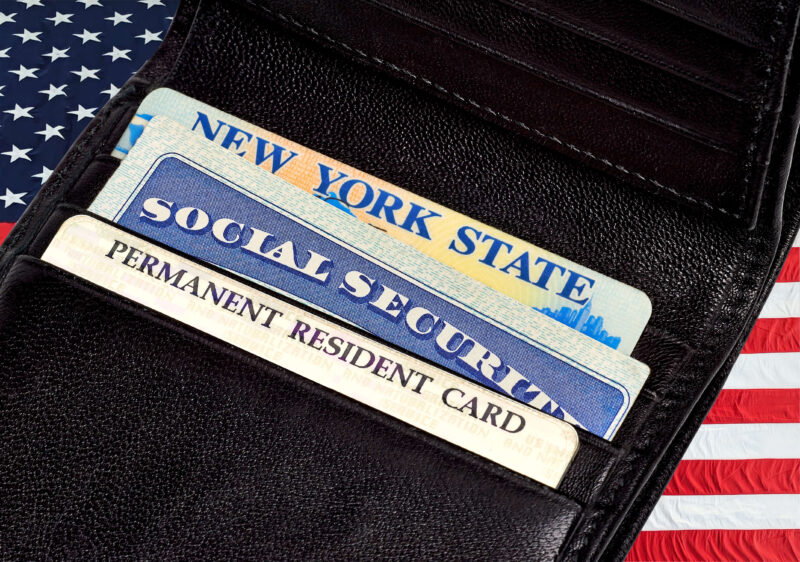
Five. Next, provide the license plate number of the tag you need to renew.
Six. Here you will be asked to confirm that the vehicle information on the screen (the year and the make) is indeed correct and corresponds to the license plate you entered. If so, click “Next.”
Seven. This screen will ask you a series of simple questions regarding the physical condition of the vehicle whose registration is being renewed. Please answer them truthfully.
Eight. Here you can choose to provide the address where you’d like to receive your renewed registration. This does not have to be the address on your driver’s license – you can have your order sent to any address in the United States. If you choose to ship to a different address than what is listed in the DMV records, you will see a window pop up to confirm that you’d like your official address to remain on record. If you’ve moved and want to update the DMV records, you will have the opportunity to do so here by clicking “No” and providing your current legal address.
Nine. Next, please fill in your email address and phone number. If you’d like to receive text message updates and a timely reminder of when your next renewal is due, you can check the box below.

Ten. You’ve reached your order summary page. If all the details look good, you can proceed to checkout. This is the spot where you can edit your order and also add another vehicle that is up for renewal. For other services that are not registration renewals, you’ll have to place a separate order.
Eleven. Time to check out! This is your payment page where you can enter your credit card information and send your registration renewal request off to eTags headquarters!
It’s nice to know that with eTags, as soon as your renewal request is approved by the DMV, you will receive a digital copy (your e-Tag) of your registration to print out and keep with you while you await your physical copy in the mail.
And if at any point you need a hand during this process, feel free to reach out to our NY registration experts at any time. Because as always, at eTags, we’re here to help!





2 comments
I received an email from you that my FL registration was expiring but I didn’t reply as I wanted to register my car in Alabama. After visiting the DMV in Alabama I discovered I will need a copy of my last registration which was in Florida. Can you help me get that?
Please contact our customer support team for assistance with this: http://www.etags.com/support