No one likes losing things. That’s pretty much standard across all areas of life. So what happens if you’re a New York resident and you’ve lost your vehicle’s sticker (decal) or registration? Well, you’ve landed at the right place. Here we’ll guide you through how to order a new decal or registration quickly and easily online with eTags. Ready?
Use eTags© to Quickly Complete Your DMV Service. Renewals, Title Transfers and More, All Online!
How To Order a Replacement Decal or Registration Online in New York
- Head over to our homepage at eTags.com and select New York as your state of residence.
- Choose “Replace Registration or Window Sticker” from the following menu.
- Click on the appropriate button to identify the vehicle owner as and Individual or a Company.
- For Individuals, please enter your first and last name as it appears on legal documents. For a Company, enter the full company name.
- Next, provide your license plate number.

- After this, you will be asked to confirm that the vehicle associated with the license plate number you provided is indeed correct.
- Here you will see a short list of questions to answer about the state of the vehicle. These questions are:
- Was the vehicle altered for more space?
- Has the vehicle incurred extensive damage (ie, wrecked)?
- Has the vehicle had any other major modifications?
- What is the seating capacity of the vehicle?
- Now you will have the space to enter your shipping address.
- Once your address has been entered, you will be asked to review and confirm that the address is indeed correct.
- The next screen will ask for your contact information. Both an email address and phone number are required here.
- The following screen is your order summary. Here you have a chance to look over your order details and be sure they are all as they should be. You will be able to see:
- Your contact information
- The vehicle make, year, and license plate number
- Your shipping address
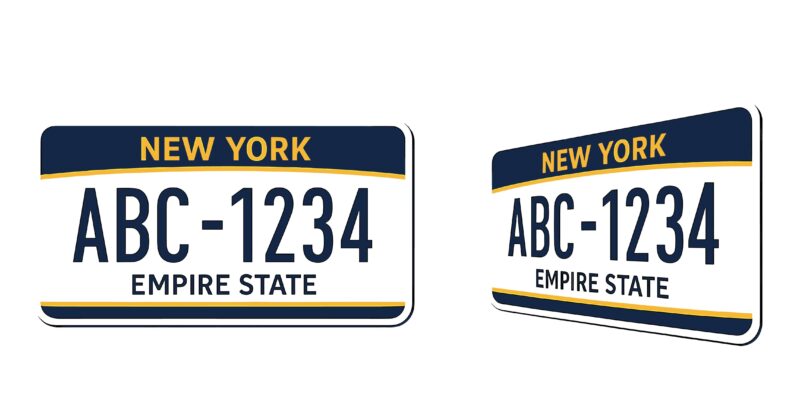

If any corrections are needed, you have the opportunity to edit your order and fix anything that is necessary. You also have the chance here to add another vehicle to the other, but it’s important to note that you may only add the same service to this order. Meaning, you can request another replacement decal for a different vehicle. If you require a separate service (like a title transfer, registration renewal, or duplicate title) you’ll need to place a separate order for that.
- If everything looks good here, you’re ready to check out! Hit the Checkout button, which will bring you to your payment page.
- Enter your credit card information, click “Pay,” and you’re on your way to getting your replacement documents!
And that’s the step-by-step of how to order a new decal or registration in New York. Of course if at any time you need a hand with the process, feel free to reach out to us. We’ve got a team dedicated to New York titles and tags…because as always, at eTags, we’re here to help!